AI Library
The Age of Autonomous Scientific Discovery
Kim Kyung-jin, Attorney at Law
AI Scientists and Self-Driving Labs
This book follows how AI scientists and self-driving labs are changing the way science generates and verifies claims. It covers literature-based discovery, natural-language protocols translated into robot commands, multi-agent research systems, closed-loop laboratories, materials search, the verification gap, chains of evidence, research harnesses, journal ethics, and legal responsibility.
AI Library
A New Era of Life Sciences Opened by Artificial Intelligence
Structural Proteomics, Genomic Foundation Models, Autonomous Laboratories, and Global Governance
Kim Kyung-jin, Attorney at Law
This book is a research volume compiled with artificial intelligence. A human selected the materials and structured the work, while AI models drafted the sentences and cross-checked the facts.
AI Library
The Double Structure of Digital Sovereignty
Europe’s Departure from Palantir and the Chains of American Big Tech
Kim Kyung-jin, Attorney at Law
This is a record of 2026, when European intelligence agencies and defense ministries began removing analytics tools from America’s Palantir. It covers the replacement decisions made by France’s General Directorate for Internal Security (DGSI), Germany’s Federal Office for the Protection of the Constitution (BfV), and the Netherlands Ministry of Defense; the incident in which US export controls severed an ally’s ac…
New English Edition
Artificial Intelligence in Horticulture
Kim Kyung-jin, Attorney at Law
Across five chapters and ten sections, this book examines computer vision for crop diagnosis, harvesting robots and autonomous field systems, smart greenhouses and digital twins, precision irrigation and supply-chain quality control, high-throughput phenotyping, and predictive breeding.
New English Edition
Artificial Intelligence in Food Crop Agriculture
Kim Kyung-jin, Attorney at Law
Across six chapters and eighteen sections, the book examines digital agricultural infrastructure, remote sensing, crop diagnosis, yield forecasting, precision irrigation, genomics, molecular breeding, agricultural robotics, climate-smart agriculture, and global food security.
New English Edition
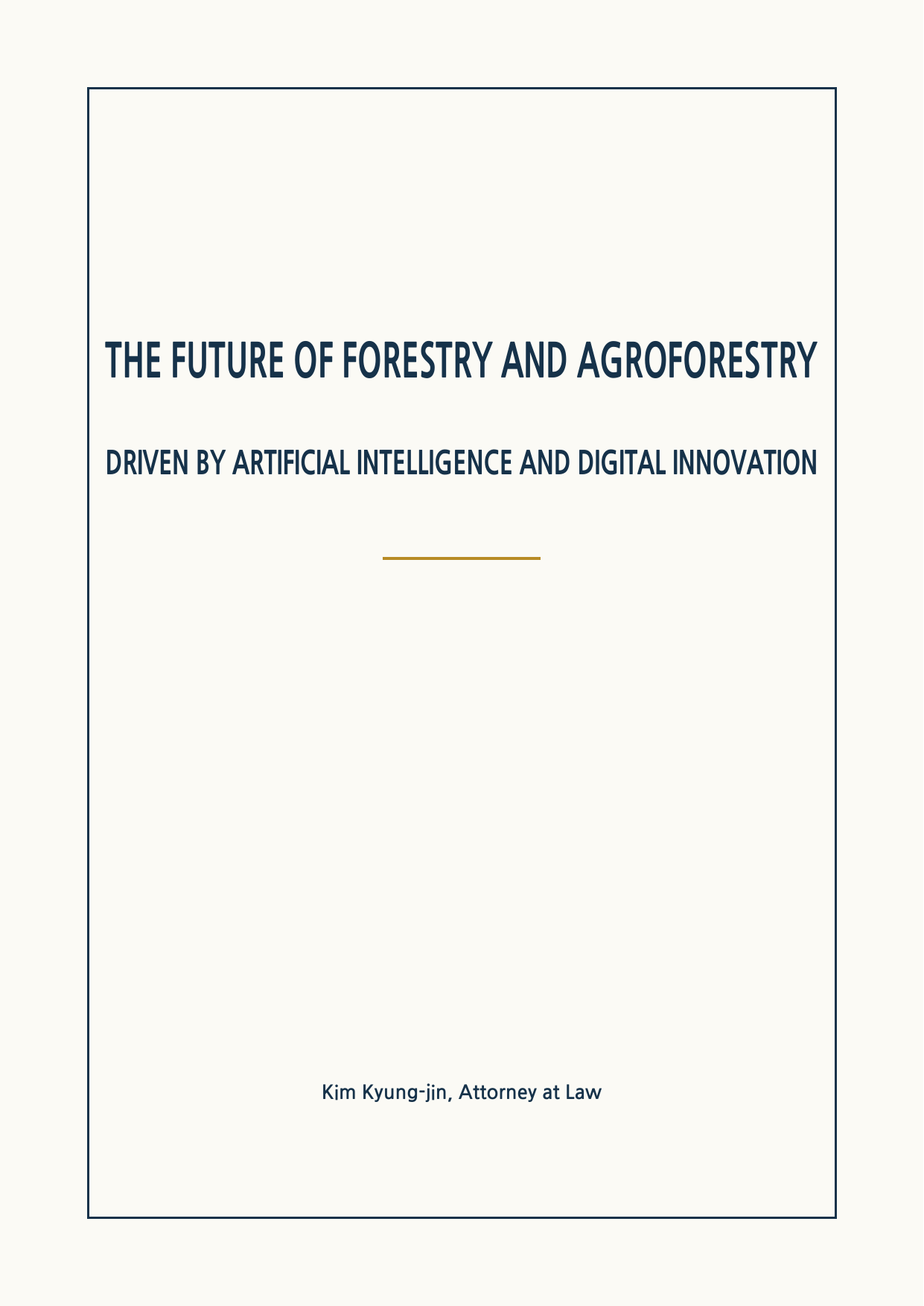
The Future of Forestry and Agroforestry
Kim Kyung-jin, Attorney at Law
Driven by Artificial Intelligence and Digital Innovation
Across five chapters and fifteen sections, the book follows satellites, drones, LiDAR, digital twins, forest-specific language models, wildfire and pest forecasting, forestry robotics, agroforestry, timber traceability, and forest carbon markets.
New English Edition
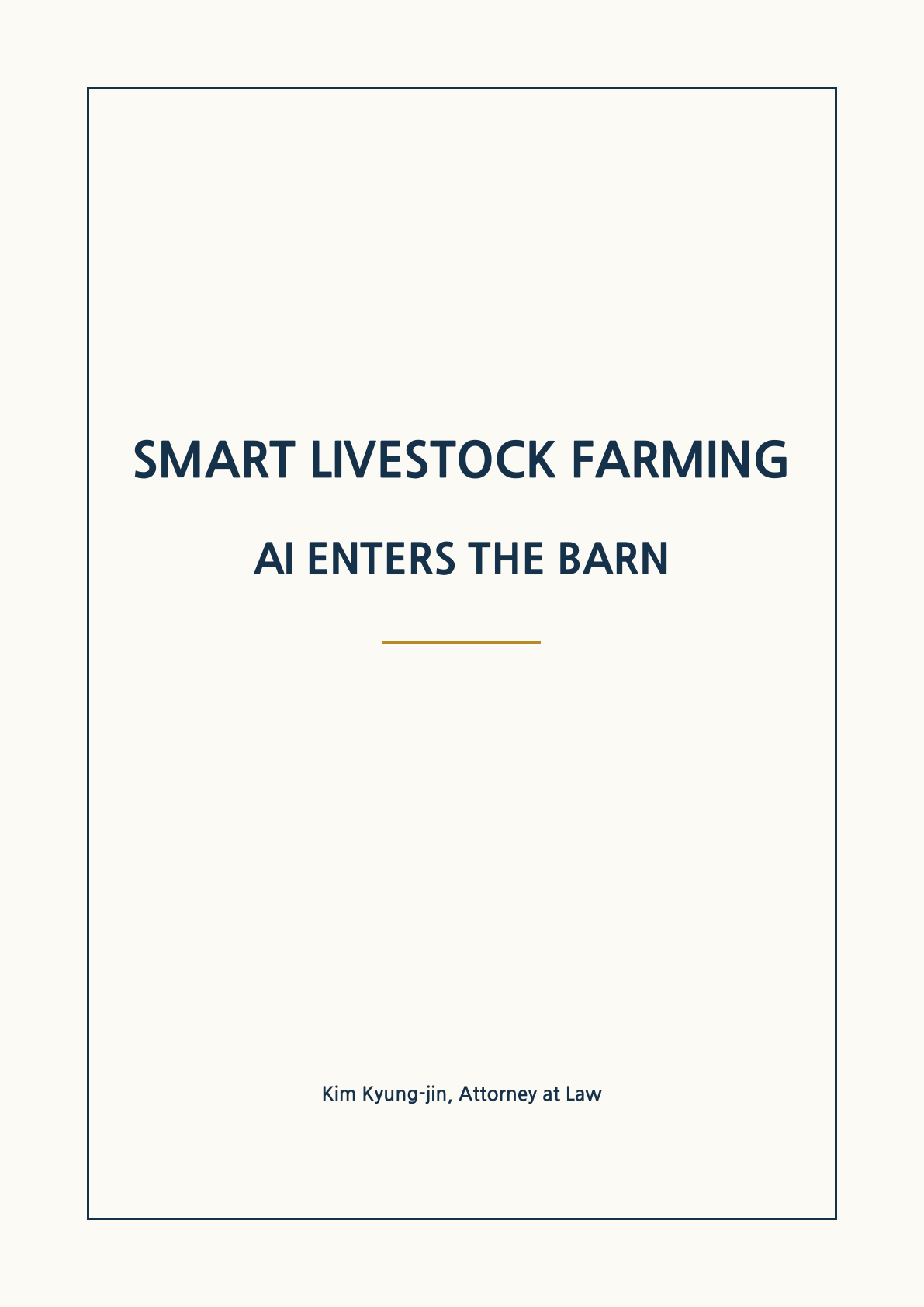
Smart Livestock Farming: AI Enters the Barn
Kim Kyung-jin, Attorney at Law
Sensors listen, cameras watch, and artificial intelligence helps farmers decide.
Across five chapters and fifteen sections, the book follows precision livestock farming from animal health and reproduction to robotic milking, virtual fencing, digital twins, methane reduction, welfare, and data ownership.
Table of Contents
Han Dong-hoon, Busan Buk-gu Gap: A Record of the 100 Days Before and After the Election (Mar. 26-Jul. 3, 2026)
Kim Kyung-jin
Table of Contents and 13 sections
From March 26 to July 3, 2026, this record follows the spring after expulsion, the Busan Buk-gu Gap by-election, victory as an independent, and the first bill submitted in the National Assembly.
Table of Contents
Artificial Intelligence and Medicine
Kim Kyung-jin, Attorney at Law
AI in clinical care, hospitals, education, and research
AI in medical imaging, risk prediction, treatment planning, hospital operations, education, and research, with patient safety, privacy, and accountability.































[AI Library] Chapter 19: Google Workspace Command Line Mastery: Managing Google Services at Scale
Mastering Claude Code
Chapter 19: Google Workspace Command Line Mastery: Managing Google Services at Scale
Kim Kyung-jin
Mastering Claude Code
What Is the GWS Command-Line Approach?
Imagine needing to create a resource guide document based on a YouTube video. Using the traditional approach, the process would go like this: you call an API to create a Google Doc and insert markdown text. When you open the result, you see raw markdown without any formatting. There are no headers, links don't work, and images are missing.
With the GWS command-line approach (Google Workspace Command Line Interface), the story is different. You paste the YouTube video link into Claude Code and say, "Create a resource guide for me."
The agent downloads the video transcript and creates a Google Doc, communicating with Google directly through terminal commands (bash commands) rather than API calls. The finished document has a header image inserted, a working link back to the YouTube channel, market analysis content organized systematically, and even a CTA (Call to Action) at the bottom.
The Difference Between Command-Line and Graphical Approaches
Let me explain the term command-line approach. It is short for Command Line Interface. What we use in everyday life is the graphical approach (Graphical User Interface). It involves clicking buttons, filling out forms, and navigating menus. The command-line approach, by contrast, communicates with computers through text commands.
The reason the command-line approach is advantageous for AI agents is clear. Agents cannot click buttons, but they can generate text commands with complete freedom. The GWS command-line approach takes advantage of this characteristic to let agents control all Google Workspace services through text commands.
One Tool, Six Services
The Google services you can access through a single GWS command-line tool are as follows.
All of this is integrated into a single command-line tool. You don't need to hunt for separate API endpoints or repeat MCP configuration for each service. When Google Workspace adds a new API endpoint or method, the GWS command-line tool automatically detects it (Auto Discovery). This means maintenance is virtually unnecessary.
[Figure 19-1] Diagram of Google Workspace Services Connected by the GWS Command-Line Tool]
Open Source and Important Considerations
The GWS command-line tool is an open-source project published on GitHub. You can use it for free. However, there is one thing to know. The GitHub page carries this notice.
This means it is not an officially supported product. This does not mean it is unsafe. It is a genuine Google product, but currently in open-source beta status. You can think of it as something closer to a developer lab. There is more in the notice.
This notice indicates that development is active and there may be breaking changes as the project moves toward version 1.0. It also means that even in its current state, it is quite practical, and it will improve further.
Installation and Authentication: From Google Cloud Project to OAuth
Installing the GWS command-line tool is straightforward with Claude Code's help. However, there are a few manual steps, so let's walk through the entire process in order.
Step 1: Request Installation from Claude Code
Copy the GitHub repository link and pass it to Claude Code.
The agent analyzes the repository documentation, checks for already-installed prerequisites, and installs the command-line tool itself. This process happens automatically.
Step 2: Create a Google Cloud Project
Go to the [Google Cloud Console](https://console.cloud.google.com) and confirm you are logged in with the correct account in the upper right.
Create a new project. You can name it freely. Something like "Claude-Code-GWS" makes it easy to identify later. After creating the project, select and activate it.
Step 3: Configure the OAuth Consent Screen
Enter "APIs and services" in the search bar at the top. Go to the OAuth consent screen settings.
Step 4: Create an OAuth Client ID
Go to APIs and Services > Credentials. Select "Create Credentials" > "OAuth Client ID".
A client ID and client secret are generated. Download them as a JSON file. Save the downloaded file to the GWS global configuration path (for example, ~/.config/gws/). If you are unsure about the path, you can ask Claude Code to tell you the full path.
[Figure 19-2] Screenshot of Creating an OAuth Client ID in Google Cloud Console]
Step 5: Enable APIs
You must enable the APIs for each service you want to use in your Google Cloud project. Open Gmail API, Google Drive API, Google Sheets API, Google Slides API, Google Calendar API, and so on one by one and click the "Enable" button.
Step 6: Authentication Login
Ask Claude Code to run the gws auth login command. When a browser tab opens, select the Google account you want to use, review the requested permissions, and click "Allow".
Once authentication is complete, Claude Code automatically validates the connection. You can verify it is working properly with a simple request like "Find the Google Doc I created in April 2025".
If problems arise during installation, do not worry. Tell Claude Code "It is not working, and I see this error," and it will guide you through the solution by referring back to the documentation. Most issues are resolved in one or two exchanges.
Automated Gmail Priority Classification
Now that the GWS command-line tool is installed, let's create a practical workflow. The first one is automated Gmail email priority classification.
Communicating Requirements
What stands out in this request is the phrase "based on what you know about my business and priorities." Claude Code uses contextual information accumulated in the claude.md file or previous conversations to make its judgment.
Execution Results
The agent retrieves 30 unread emails. It assigns a priority score to each email based on business relevance. Newsletter subscription emails receive low scores, while client inquiries and partnership proposals receive high scores.
[Figure 19-3] Results screen showing priority scores assigned to 30 emails]
Emails scoring below 5 are automatically marked as unread. When you run this workflow once after arriving at the office in the morning, your inbox retains only the emails that truly need your attention. You save the time of opening thirty emails one by one and judging their importance.
Automated Google Slides Generation and Visual Validation Loop
If Gmail categorization is text-based work, then Google Slides generation is a more complex task involving visual elements. Here, the interesting limitations of agent workflows and how to overcome them become apparent.
First Attempt: Programmatic Generation
You provide brand guidelines and a logo, then request that the agent create a slide deck. The result is at an "acceptable" level. However, there are misaligned spacing issues and text overlap in places.
When you tell the agent, 'Please fix this part,' the response that comes back is telling.
The agent creates slides by specifying coordinates, dimensions, colors, and other properties numerically through the Google Slides API. But it cannot see the result with its own eyes. It is like drawing with eyes closed.
Building a Visual Validation Loop
The solution to this problem is to give the agent 'eyes.' If you grant Chrome DevTools access, the agent can open slides in a browser, take screenshots, and analyze those images.
This process is called a visual validation loop. Here is how it works.
[Figure 19-4] Visual validation loop workflow diagram]
Results After Applying the Validation Loop
When you apply the visual validation loop and regenerate the slides, the results improve noticeably. Brand colors are applied consistently, the logo is positioned in the upper right, and custom images harmonize with the brand colors. The final slide includes a call-to-action.
The agent traverses each slide, takes screenshots, and analyzes spacing, alignment, and text readability. If the bottom spacing of the final slide is abnormal, it detects and corrects it.
It is not perfect. It has not yet reached the level of professional presentation tools like Gamma. However, it is free, can be automated, and improves with each iteration. When you ask the agent, 'Please audit the slide deck again and tell me how we can improve it going forward,' the agent recaptures each slide with screenshots and compiles improvement suggestions.
One practical tip: if the browser window is small when taking screenshots, the resolution is low and analysis quality suffers. Taking screenshots in presentation mode yields more accurate results.
You can apply the same visual validation loop to Google Docs generation. This means automatically checking document formatting, image placement, and whether links work.
Using 100+ Built-in Skill Recipes
One strength of the GWS command-line approach is skill recipes. More than 100 pre-built multi-step workflow patterns are built in.
Types of Recipes
You can view the complete list in the Skills section of the GitHub repository. Let me provide a few examples.
These recipes can be used immediately once the GWS command-line approach is installed, without additional setup. The agent recognizes the nature of your request and automatically selects the appropriate recipe.
Benefits of JSON-First Design
GWS command-line responses are structured in JSON format. Let me explain why this matters. AI agents process structured data far more accurately than unstructured text. When an API response comes back as JSON, the agent can extract the information it needs precisely and pass it to the next step. Parsing errors decrease and workflow reliability increases.
Context Efficiency
When you connect MCP servers individually for each service, each consumes context. Setting up Gmail MCP, Drive MCP, and Calendar MCP separately uses significant context just for configuration. The GWS command-line approach is a single tool, so context consumption is minimized. This difference is noticeable in complex workflows.
[Figure 19-5] Screenshot of the skill recipes list on the GWS command-line GitHub page]
Current Limitations and Outlook
Community reaction is divided. On Twitter, assessments of "remarkably powerful" and "somewhat unstable" coexist. Some users report having to repeat authentication multiple times.
In actual use, basic functions like search, lookup, and booking work nearly flawlessly. Tasks requiring visual precision, such as slide generation, still need refinement. However, considering this is a product that has not yet reached version 1.0, installing it now and becoming familiar with it is a wise choice.
Being able to control Google's major services with a single command-line tool means the agent's operational scope expands correspondingly. Categorizing emails, creating slides, and managing calendars all become possible with a single line of natural language. Let us explore what workflows emerge when you combine this tool with YouTube data analysis.
Gyeong-jin Kim, Attorney at Law, AI Expert
Specializing in AI legal policy, former member of the National Assembly, author of numerous works
If this book has stayed by your side, even for a moment, please support us so the next story can reach the world.
(Voluntary donation account: NH Bank 302-1096-0948-81, Account holder: Gyeong-jin Kim)
Kim Kyung-jin
Attorney · Former Member of the National Assembly · AI Policy Researcher
© 2026 Kim Kyung-jin. All rights reserved.